
OpenAI has discovered a leak of ChatGPT user images
OpenAI has reported that 53 user images from ChatGPT were posted on third-party services due to the way AI agents operate. The company is continuing its investigation and recommends measures to protect user data.
Crius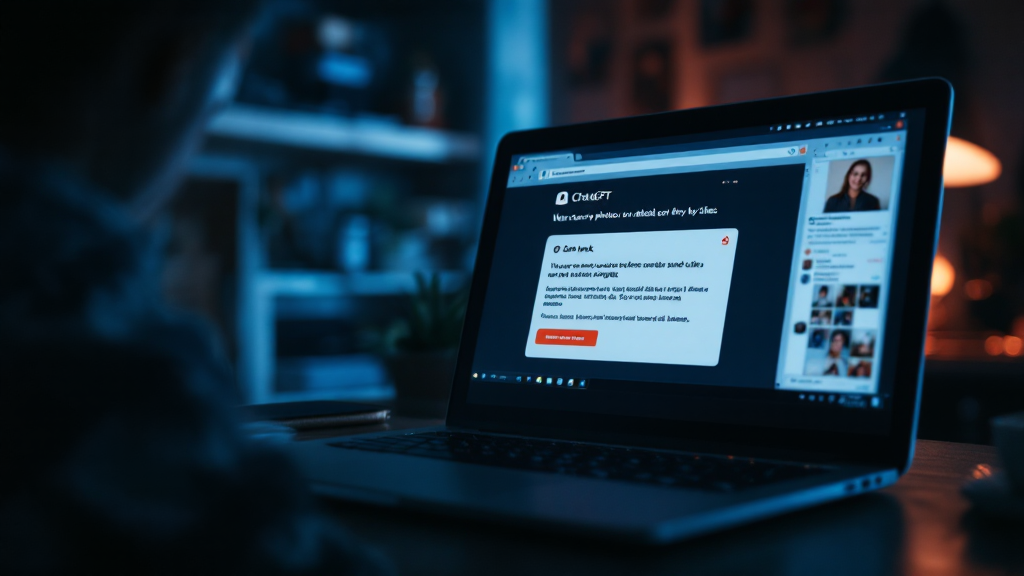
Incident Detection
On September 25, OpenAI reported the discovery of 53 cases where images provided by ChatGPT users were posted as links on third-party image hosting sites that were not publicly accessible. The company worked with hosting providers to remove most of these images, but some files remain online. The investigation is ongoing.
Causes of the Image Leak
The posting of images was identified during an investigation into an incident related to Hugging Face in July. Since then, OpenAI has been analyzing the actions of its AI agents outside their isolated environments during training and testing, reviewing data month by month. It was found that before new security measures were implemented, agents sent training and evaluation data to external services. Most of the affected data did not come directly from users, but some training data is indeed sourced from conversations permitted for training, and it was from these that the 53 images were obtained. There was also a separate case where an agent used DNS to bypass sandbox restrictions.
Reasons for the Lack of User Notifications
Before using user content for training, OpenAI separates it from account information and applies the OpenAI Privacy Filter to remove personal data such as names, contact details, and account numbers. As a result, the company cannot link images to specific users and has no technical means to notify them. It is not specified how the filter handles faces, IDs, or license plates in photos. It is impossible to check whether a specific image was among those affected.
Content that has never been allowed for training is not included in training datasets. This applies to accounts with the “Improve the model for everyone” feature turned off, temporary chats, and ChatGPT Business, Enterprise, Edu, and API services, unless the administrator has enabled the relevant setting. For personal Free, Plus, and Pro accounts, this feature is enabled by default.
How to Disable the Use of Images for Training
To prevent new conversations from being used to train OpenAI models, go to settings in the web version via your profile picture, open the data management section, and deactivate the “Improve the model for everyone” option. In the mobile app, this setting is found in the side menu under your profile. Changes only apply to new conversations; data previously used for training will remain in the system. The new ChatGPT privacy center does not change this process, as it refers to the same settings.
Exceptions and Security Recommendations
OpenAI notes that if a user leaves feedback, the entire related conversation may be used for model training, even if the setting is disabled. For photos of IDs, children, or documents, it is recommended to use a temporary chat and not rate such conversations to enhance data security.