

Google will make it harder to install third-party apps on Android
In the coming months, installing third-party apps on Android devices outside of the Play Store will become more difficult due to the new advanced flow system. Users will need to complete additional steps to enhance security, making the usual installation and update process more complicated.
Crius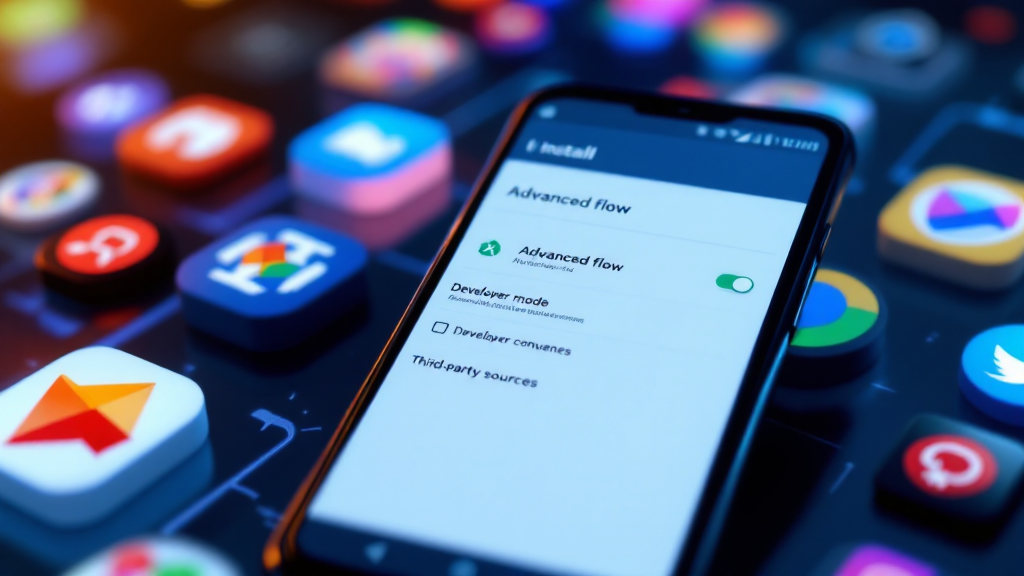
If you have previously installed Android apps from sources other than the Play Store, this process will soon become significantly more complicated. Google has announced upcoming changes that will take effect in less than 135 days, impacting the installation of third-party and open-source apps outside the official store.
New App Installation System
Google is introducing a new procedure called "advanced flow," which is already rolling out and will become widely available in the coming weeks. Under this system, all Android app developers must register with Google. If a developer is not registered, users will only be able to install their apps through the advanced flow process.
Main Steps for Installing via Advanced Flow
- Enable Developer Mode on your device (Settings > About Phone > tap "Build Number" seven times and confirm the action using your screen lock).
- Go to Developer Mode settings and select "Apps from unverified developers."
- Grant permission to install such apps.
- Confirm the action again using your screen lock.
- Confirm that you are making this change voluntarily.
- Restart your device and wait 24 hours.
- After 24 hours, return to the settings and choose whether to allow app installations from unverified developers for 7 days or permanently.
Even after completing all these steps, you will see a warning when attempting to install an app. However, installation will be possible after an additional confirmation. The advanced flow is designed to reduce the number of fraudulent and malicious app installations.
Additional Restrictions and Updates
The advanced flow also applies to app updates. If the feature is disabled after installation, you will not be able to update the app without re-enabling advanced flow. The only way to bypass the new system is to install apps via ADB.
Google is also introducing the Android Developer Verifier System Service, which can be manually installed from the Google Play Store. This may indicate that the launch of advanced flow is imminent.
Global Rollout of Changes
Mandatory developer verification will begin on September 30 in Brazil, Indonesia, Singapore, and Thailand. In the first phase, the changes will affect apps distributed through Google Play, HONOR App Market, OPPO App Market, Galaxy Store, Palm Store, V-Appstore, and GetApps. Eventually, the system will be implemented in all regions and for all installation methods by 2027.
Features and Consequences
Advanced flow does not require Developer Mode to remain enabled at all times. If Developer Mode is accidentally turned off, you have 10 minutes to re-enable it without needing to restart your device or wait 24 hours.
The changes specifically target app developers, not the apps themselves, regardless of the download source (such as F-Droid or other stores).
As a result, users who install apps outside the Play Store will face a mandatory and more complex procedure. While this aims to improve security, it will make the usual process of installing and updating third-party apps more difficult.